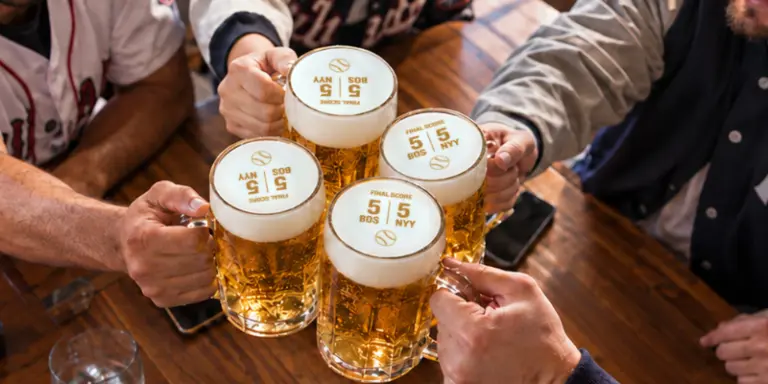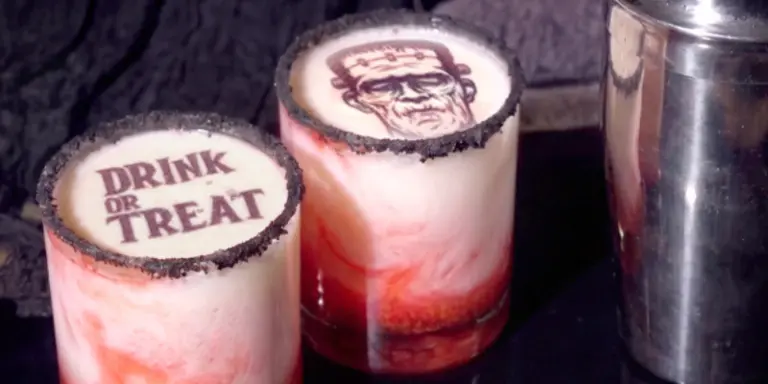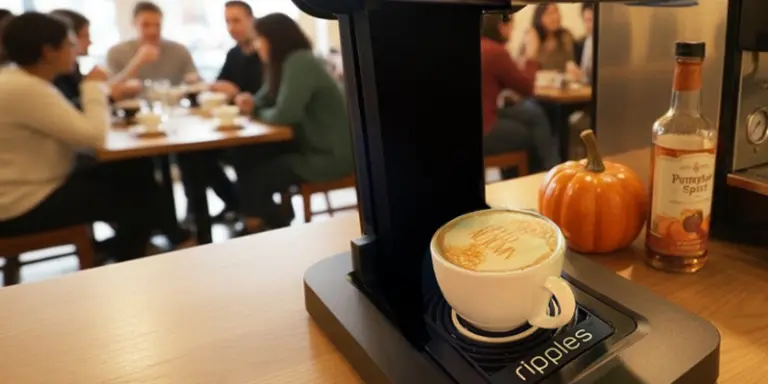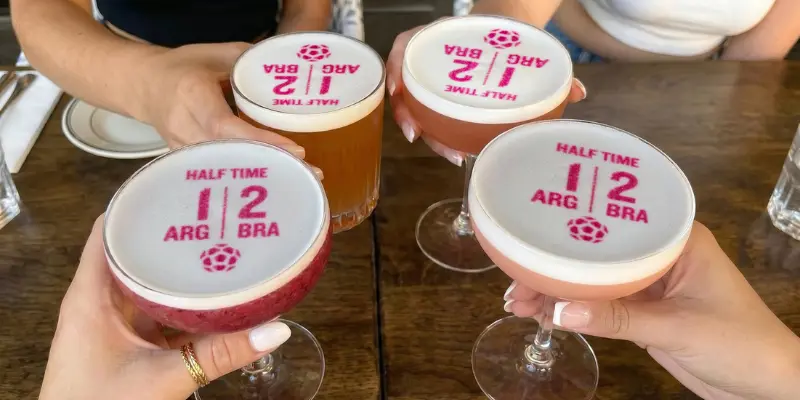
How to use the Live Scoring feature during a match:
- Open the DrinkRipples app
- Click Design → + → Add Channel → Shared Channel
- Choose the ‘Live Scores’ channel
- For every goal, print the live score (appears immediately on the machine’s channel)
- Serve and encourage social sharing from your customers
Get matchday-ready now with Ripples’ Live Scoring on your Ripple Maker printer, and turn every goal into unforgettable customer experiences guests want to return to, and share to drive new visits
Watch this quick tutorial to learn how to add the new Live Score designs to your Ripples Design Channel and start printing live match scores on drinks.
Watch this quick tutorial to learn how to add the new Live Score designs to your
Ripples Design Channel and start printing live match scores on drinks.
FAQ
Do I need to design the game-day content myself?
No. Ripples provides ready-to-use game-day content, including Live Scores, Predictions, and Country-Team prints, making it easy for staff to use during busy service hours.
Can I use this for all sports events?
The feature is designed for major live sports moments and game-day experiences, helping venues create excitement around games and tournaments.
How can these features help increase venue revenue?
Game-day drink experiences help venues attract earlier traffic, increase in-game orders, encourage repeat purchases, and create social-media-worthy moments that keep fans coming back throughout the tournament season.
Will this slow down service during busy games?
Not at all. Ripples also provides ready-to-print table tents that help customers quickly choose their preferred match-day drink experience, making ordering simple and efficient even during peak hours.
Do I need to design the match content myself?
No. Ripples provides ready-to-use match-day content, including Live Scores, Predictions, and Team designs, making it easy for staff to use during busy service hours.
Does the Game-Day feature cost extra?
The Predictions and countries features are included with the free Ripples plan, while the Live Scores require the Advanced Design Plan.
Can customers choose their Favorite country or team?
Yes. Fans can personalize drinks with team-themed prints and match-inspired designs, creating a more engaging and social experience during the tournament season.